Kurau Inn
How to Book
Booking online takes only a few minutes. Here is how it works.
Before you start
Please enter the correct number of adults and children — bookings that exceed the limit may be cancelled.
Check availability
Here how you start.
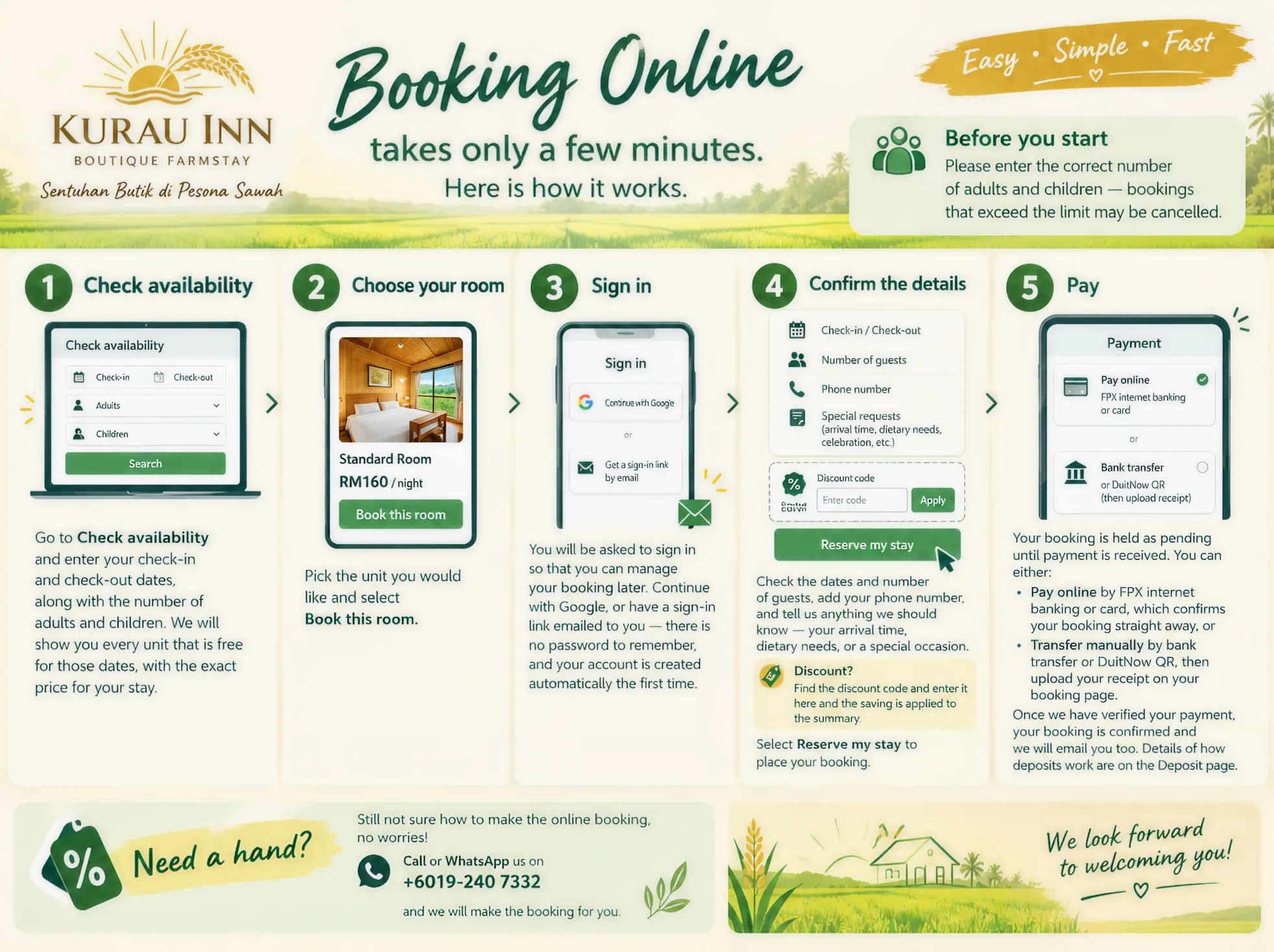
Go to Check availability and enter your check-in and check-out dates, along with the number of adults and children. We will show you every unit that is free for those dates, with the exact price for your stay.
Choose your room
Pick the unit you would like and select Book this room.
Sign in
You will be asked to sign in so that you can manage your booking later. Continue with Google, or have a sign-in link emailed to you — there is no password to remember, and your account is created automatically the first time.
Confirm the details
Check the dates and the number of guests, add your phone number, and tell us anything we should know — your arrival time, dietary needs, or a special occasion.
Discount?
We do offer some discounts from time to time. Please find the discount code and enter it here and the saving is applied to the summary.
Select Reserve my stay to place your booking.
Pay
Your booking is held as pending until payment is received. You can either:
Pay online by FPX internet banking or card, which confirms your booking straight away, or
Transfer manually by bank transfer or DuitNow QR, then upload your receipt on your booking page.
Once we have verified your payment, your booking is confirmed and we will email you too. Details of how deposits work are on the Deposit page.
Need a hand?
Still not sure how to make the online booking, no worries!
Call or WhatsApp us on +6019-240 7332 and we will make the booking for you.